

Some of our volunteers are approved to claim expenses through our accounting platform Expenses Plus. below is the guide for submitting claims. Our expenses policy can be found at: Expenses Policy
|
Step # |
Description |
Supporting Links/Images |
|---|---|---|
|
1 |
Open Expenses Plus website |
|
|
2 |
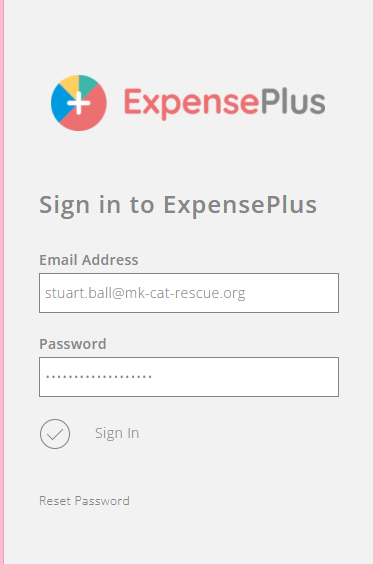
Enter your supplied Username and Password |
 |
|
3 |
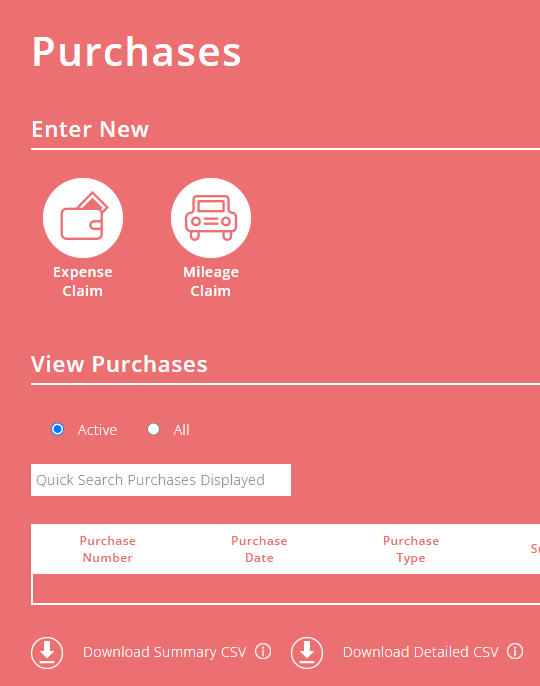
Select the claim type Expense or Mileage in this instance we’re submitting a Mileage Claim |
 |
|
4 |
Add the Trip details: |
 |
|
5 |
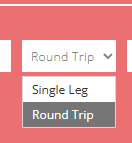
Select the appropriate trip type: |
 |
|
6 |
Enter the Trip purpose such as: |
|
|
7 |
Add the mileage for that trip, the rate is auto calculated automatically based on the prevailing HMRC Guidance |
 |
|
8 |
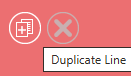
If you need to replicate the same line click the Duplicate Line button |
 |
|
9 |
Add more lines to cover all your mileage trips for this claim |
 |
|
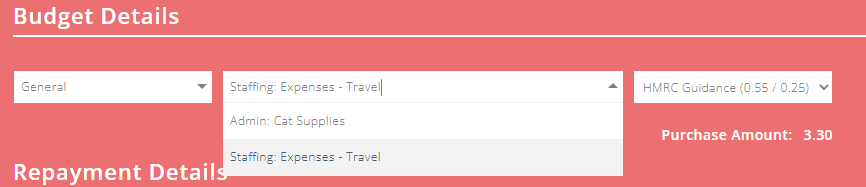
10 |
Select the correct Category: |
 |
|
11 |
Check the Payee is you, and click Submit |
 |
|
12 |
You will then be returned to your expenses summary page and you’ll see a claim number. |
 |
Our treasurer will then make the payment for your mileage to the account details we have on record. If you need to apply for access to claim expenses please fill in the form below including your bank details so we can process the payment:


